How to Choose a Forex VPS for Your EA: Latency, Specs & Pitfalls
An EA must run 24/7, so a VPS is unavoidable infrastructure. Why latency is the first metric, how to size specs, and four common pitfalls.
The next question after buying an EA is almost always: where do I run it? The answer is a VPS — an EA must be online 24/7, and a home PC can't do that: a dropped connection, sleep mode or a system update can miss an exit signal and turn a normal trade into an incident. Many EAs' official notes flatly say "VPS required" (e.g. Smart Owl, Athena).
The first metric: latency (not price)
Latency from the VPS to your broker's matching server directly determines slippage. Step one isn't comparing prices — it's asking where the datacenter is:
- Major brokers match mostly in London (LD4), New York (NY4), Amsterdam — pick a VPS in the same city/facility and ping drops to 1–10ms.
- Scalpers and breakout EAs are the most latency-sensitive (why: TwisterPro review): tens of milliseconds at the breakout moment is real slippage cost.
- Grid/martingale EAs care less about latency but are extremely sensitive to uptime — going offline for hours with an open basket means uncontrolled risk.
Sizing the specs
| Scenario | Reference spec |
|---|---|
| 1–3 MT4/MT5 terminals | 1 vCPU / 2GB RAM / Windows — plenty |
| 4–6 terminals or backtesting | 2 vCPU / 4GB+ |
| OS | Windows (MT4/MT5 native); Linux+Wine is flaky — avoid |
Market price magnitude: a low-latency Windows VPS generally runs somewhere in the teens to forty dollars a month (qualitative; varies by provider). Don't over-spec — an EA consumes stability and latency, not compute.
Four common pitfalls
- Oversold VPS: rock-bottom plans are often oversold; CPU contention makes MT5 stutter and miss orders. Check reputation, not just price.
- No auto-recovery: after a VPS reboot, MT5 must auto-start and log in (add the terminal to startup) — otherwise one overnight maintenance = downtime until you wake up.
- Assuming the server timezone: time-of-day EAs (e.g. Pulse Engine) key off broker server time — after deploying, verify the chart time, not the VPS system clock.
- Set-and-forget: log in weekly to scan logs and margin. The VPS doesn't do risk management for you.
Don't want the hassle? That's literally what managed is for
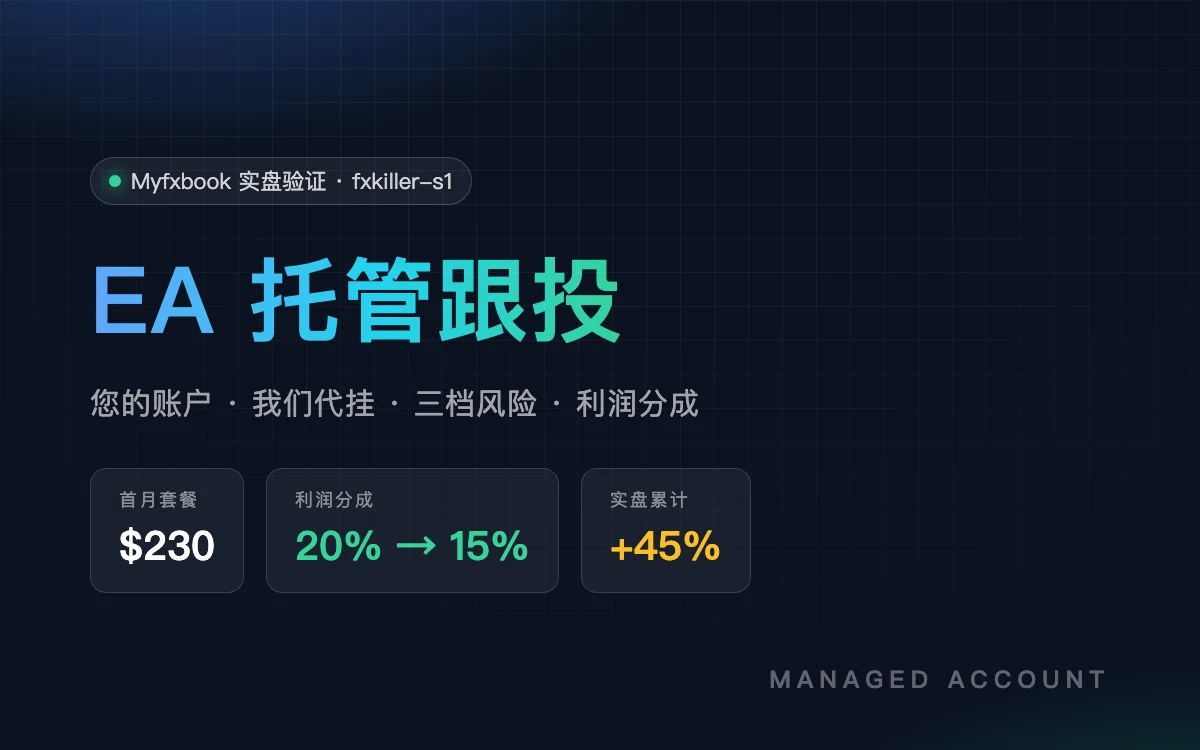
In our managed accounts, VPS procurement, deployment, monitoring and auto-recovery are all on us ($30 of the $230/month package is the VPS cost) — you touch none of the above. Prefer self-hosting? Pick a VPS per this guide, then follow the install & backtest guide; capital sizing is covered here.
Risk note: a VPS only solves uptime and latency — it doesn't change the strategy's risk. EAs / algo trading are high risk; past performance does not represent future returns and this is not investment advice. Only trade with money you can afford to lose.
Keep reading
After buying an EA: rent a VPS and run it yourself, or hand it to a managed service? A side-by-side of real cost, skill, and risk.
Capital isn't 'more is better' — it must match the strategy's drawdown profile. Grids need thick funding; single-entry stop systems can be thin. Reference ranges and the math.
Yes — but not every EA, and not the way you think. An honest breakdown of why most people lose with EAs, and which ones are worth touching.